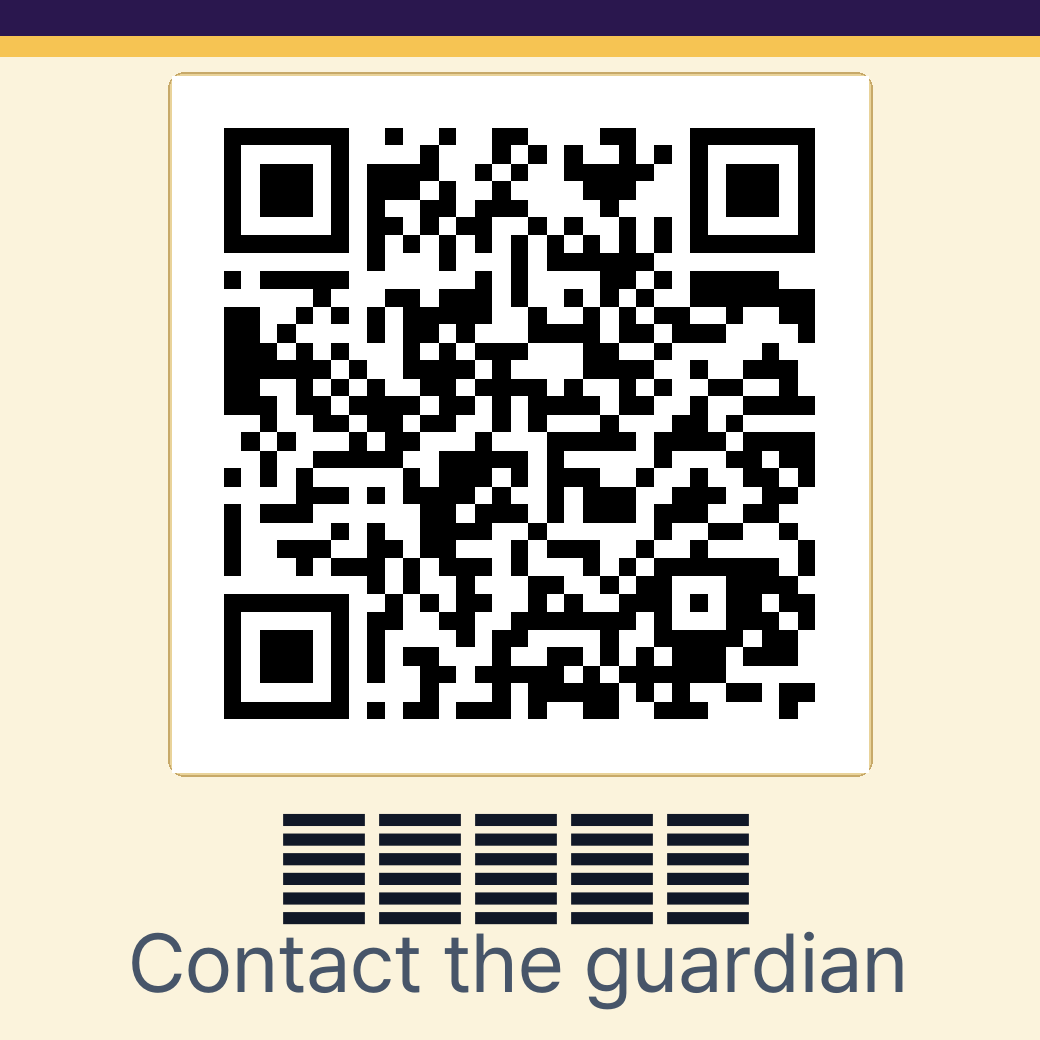
此 QR 是採用實際系統 Safety Premium 設計產生的拾獲者畫面示範,並非配發給特定產品的代碼;購買前請確認所含功能。
PRODUCT FAQ
From before purchase to everyday use, find the answers in one place.
Clear answers about Find Tag location updates, QR registration, guardian alerts, and choosing a QR Safety plan.
FT
FIND TAG
Check the last reported location
Guardians use Google Find Hub or Apple Find My to review a location reported through the surrounding device network.
QR
QR SAFETY
Connect finders and guardians safely
A finder scans the QR to send an alert and shares a location or photo only when they choose to do so.
FIND TAG · 10 QUESTIONS
Find Tag FAQ
Compatibility, location updates, reconnection, and battery information.
01What is Find Tag?
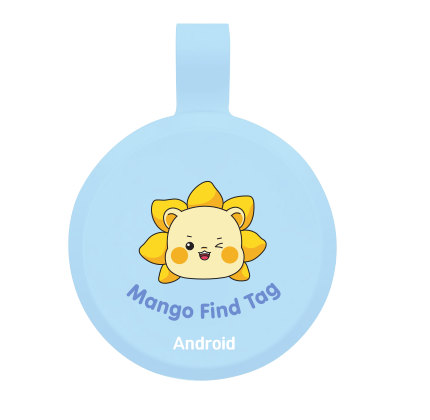
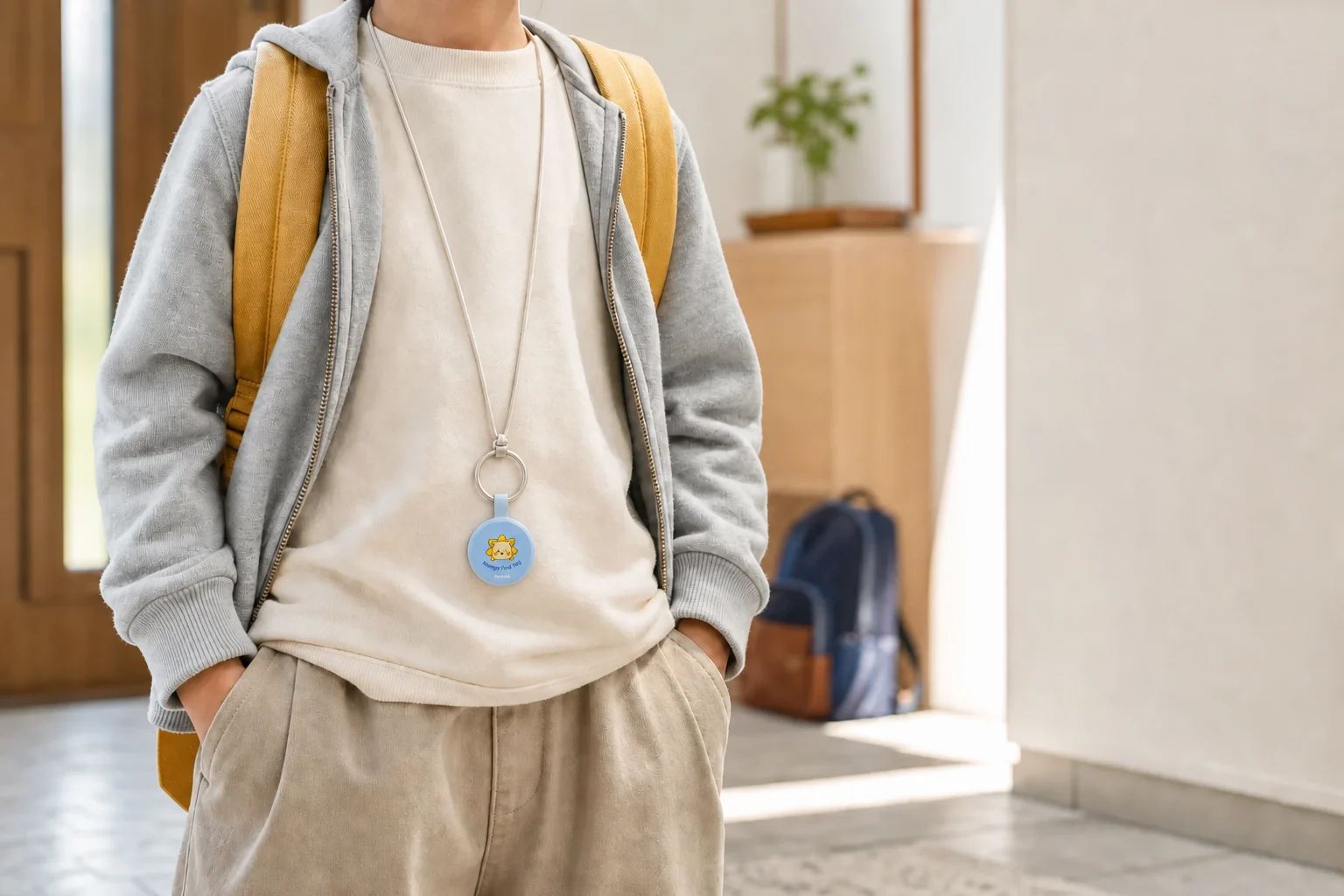
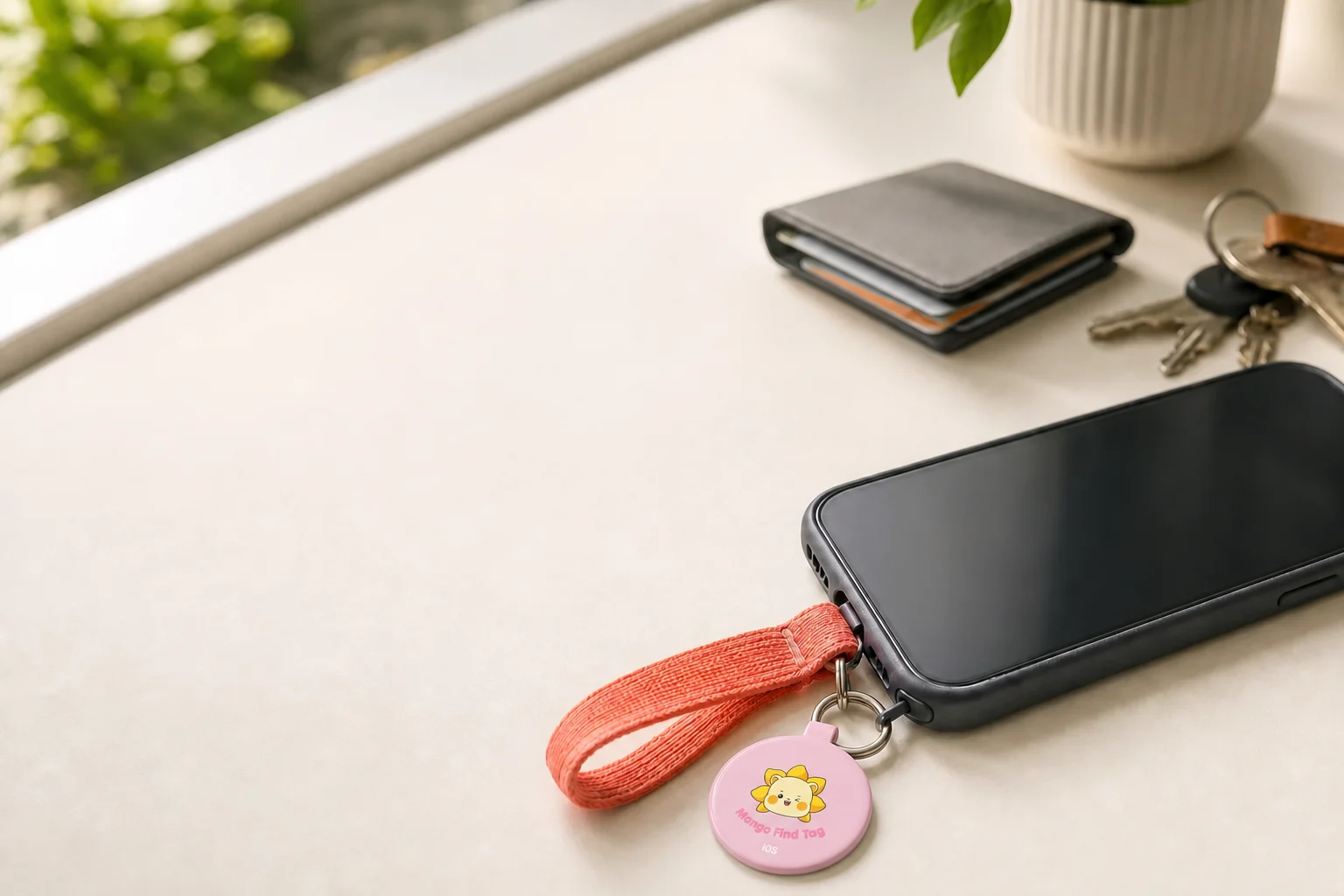
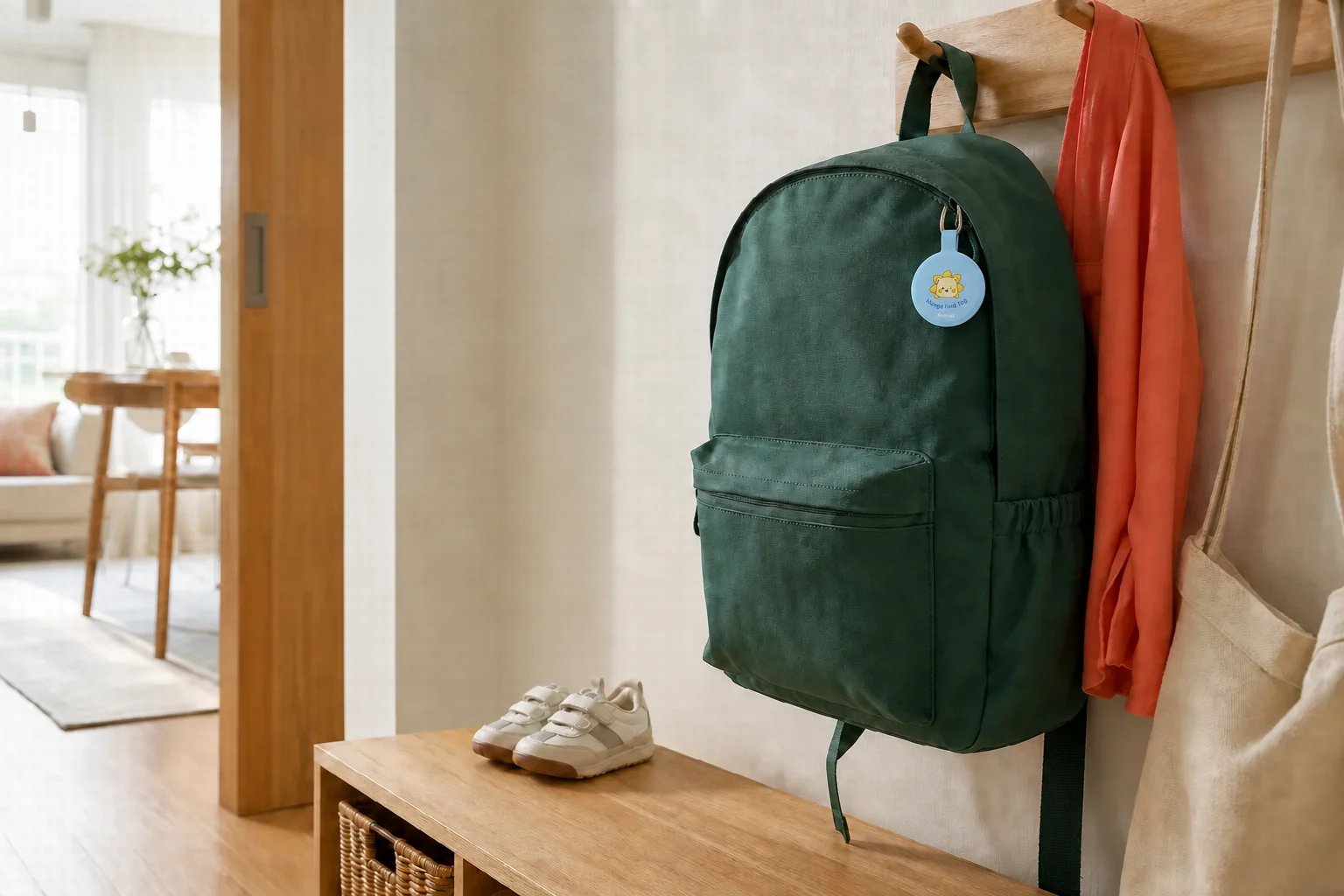
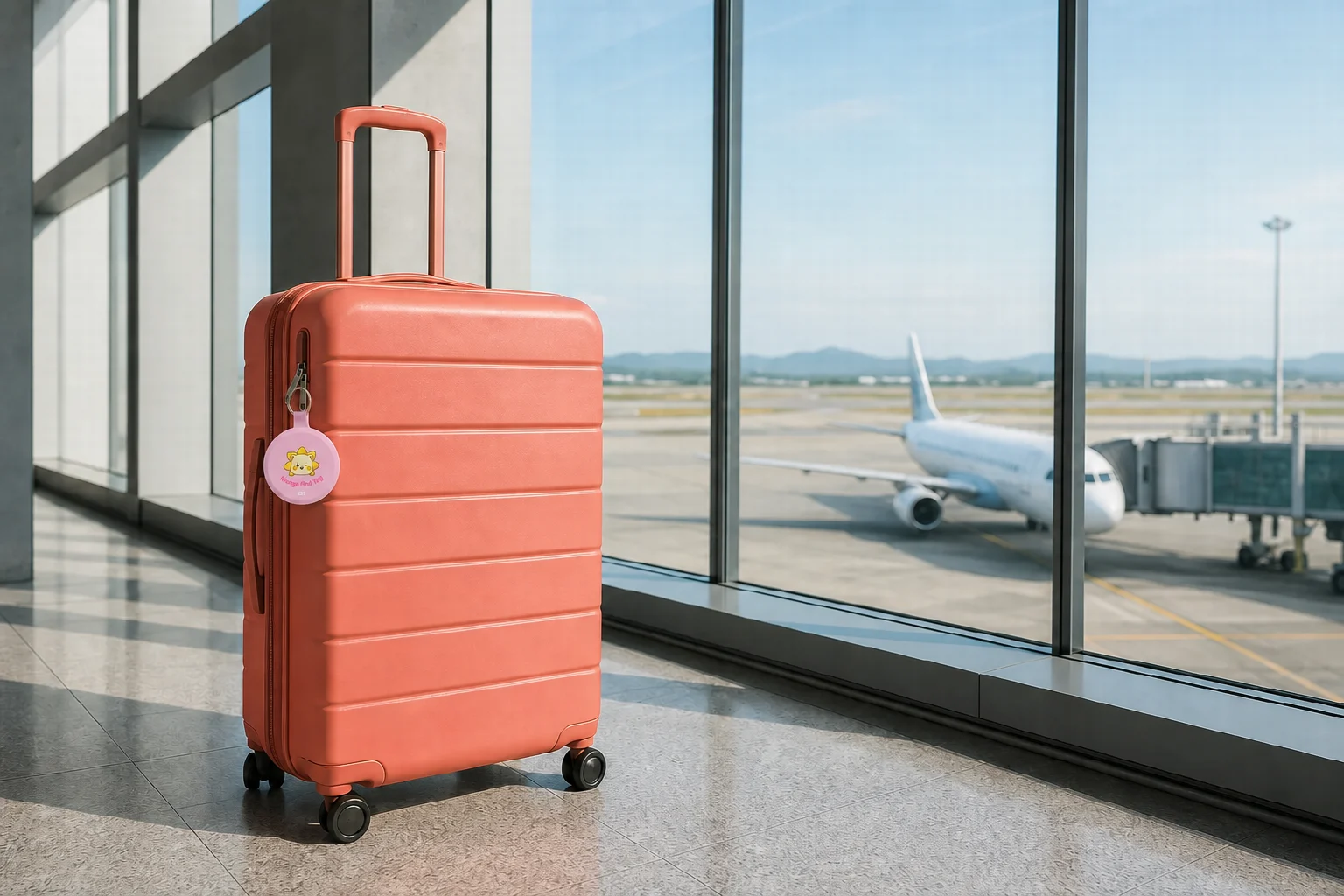
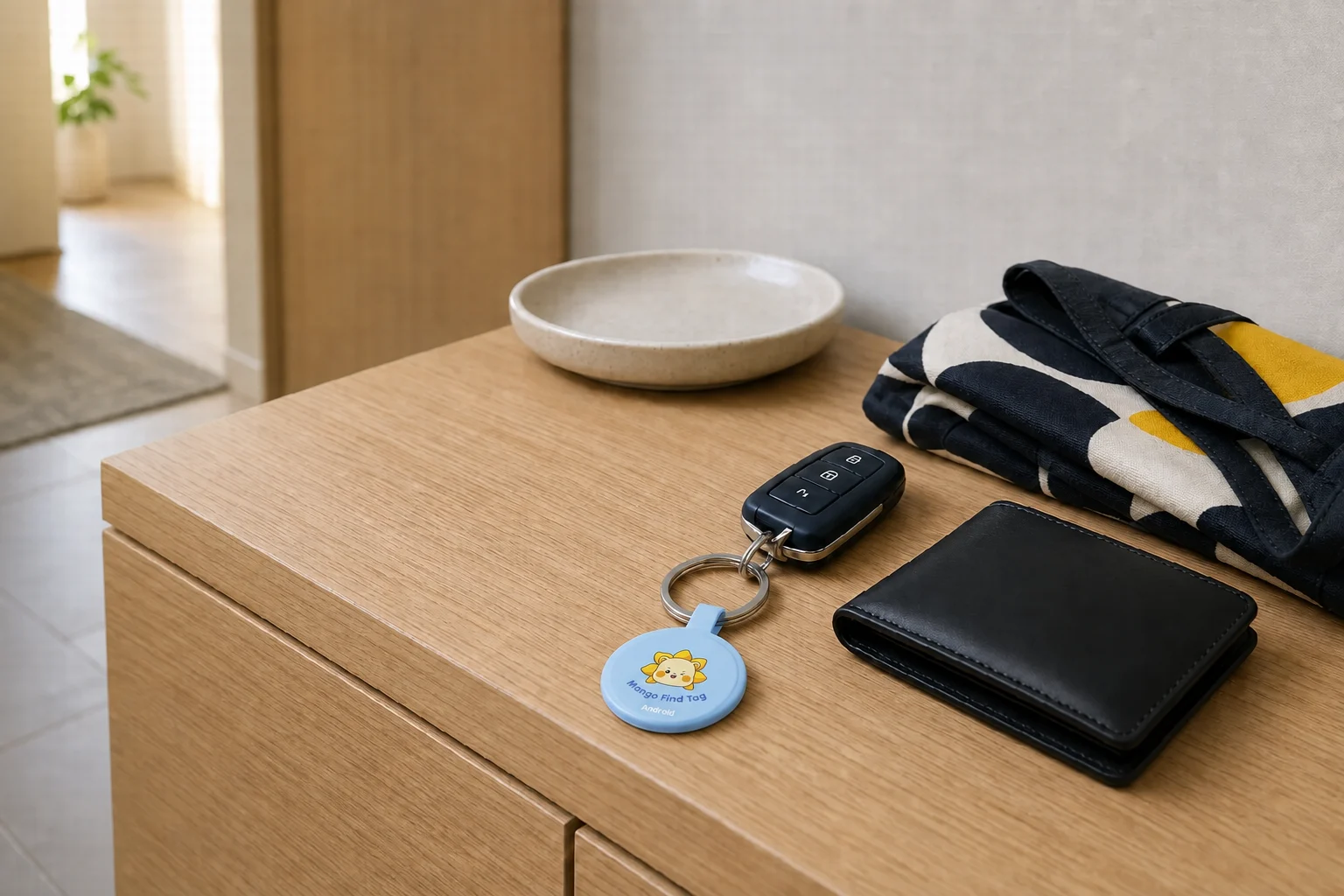
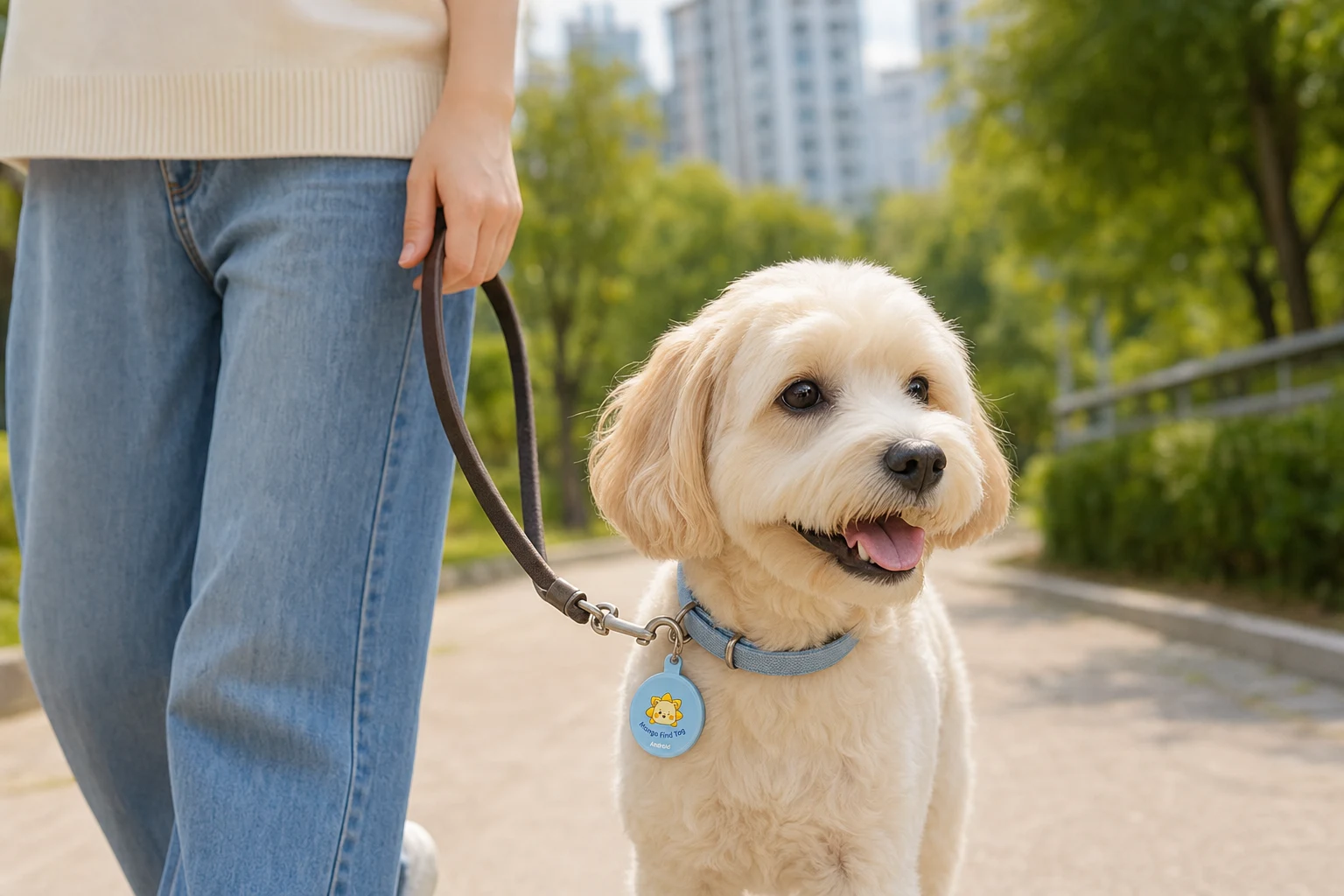
MangoLion Find Tag is a loss-prevention tag attached to an item so you can review its last reported location through the surrounding device network.
02Can I buy the iPhone version now?
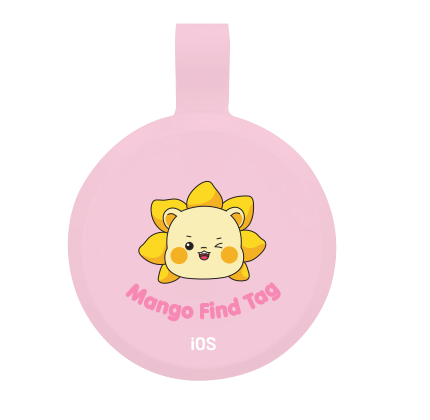
Not yet. The first release is the Android version using Google Find Hub. The iOS version using Apple Find My is planned for the first half of 2027.
03Can I use it on a device without Google Play?
App installation or some features may be limited on devices that do not support Google Play and the related Google services.
04Is it real-time GPS?
No. It is not a dedicated GPS tracker that continuously shows a person’s or pet’s current location. Timing and accuracy vary with the surrounding network and environment.
05How is the location determined?
Location support is based on Bluetooth and the Android device network. It is not real-time GPS, so update times vary with the surroundings and network conditions.
06Can I find it when it is far away from my phone?
Yes. A nearby Android device may detect the Find Tag and update its location. The update may be delayed when no compatible device is nearby or network conditions are poor.
07The alert sound does not play. What should I do?
Check the battery first.
08How do I connect it to another Android phone?
Remove the device from the existing account and reset it. After the reset, connect it again from the new Android phone.
09Is location information protected?
Location information is handled according to the user’s account and app settings. It is not shared with other people unless the user explicitly enables sharing.
10How long does the battery last?
Battery life depends on the environment, alert-sound frequency, and connection conditions. A low battery may reduce sound volume or make the connection unstable.
QR SAFETY · 9 QUESTIONS
QR Safety FAQ
QR registration, alerts, and personal information protection.
01What is QR Safety?
QR Safety lets a finder scan the QR attached to an item, alert its guardian without installing an app, and optionally share the situation through a location, photo, or message.
02Are there separate QR stickers for Android and iOS?
No. QR stickers work with both Android and iOS. Guardians can receive finder alerts by adding Mango QR Safety to their phone’s home screen and allowing notifications.
03How do I register a QR?
Scan the included QR, verify the phone number used for the purchase, and follow the on-screen steps to set guardian details and public safety information. A traditional ID-and-password signup is not required.
04Does the finder need to install an app?
No. A finder can scan and use the QR with a smartphone without installing an app or creating an account.
05Does scanning the QR alert the guardian immediately?
No. The alert is sent only after the finder taps the button to notify the guardian on the QR screen.
06Can the finder see the guardian’s phone number?
It is hidden by default. The QR contains no personal information such as a name or phone number. Only information the guardian chooses to make public appears on the finder screen.
07Is the finder’s location sent automatically?
No. It is sent only when the finder chooses to include the current location and grants location permission. The finder can still alert the guardian without sharing a location.
08Where does the guardian see alerts?
Add Mango QR Safety to the phone’s home screen and allow notifications to receive finder alerts. Missed alerts remain available in the recent alerts area of guardian management.
09I lost or damaged the QR sticker.
An unregistered QR is not automatically reissued when lost. For a damaged registered QR, contact support after ownership verification to check whether the existing QR can be reused.
NEED MORE HELP?Couldn’t find the answer you need?
Our support team can help with product registration, QR reuse, and other cases that require an additional check.

 Mango QR Safety