แท็กนิรภัยอัจฉริยะ MangoLion

MangoLion Find Tag

ขณะที่คุณกำลังตามหา
อาจมีใครพบแล้วก็ได้

รุ่นสำหรับ Android และรุ่นสำหรับ iOS เป็นผลิตภัณฑ์คนละรุ่น โปรดเลือกให้ตรงกับแพลตฟอร์มที่ใช้

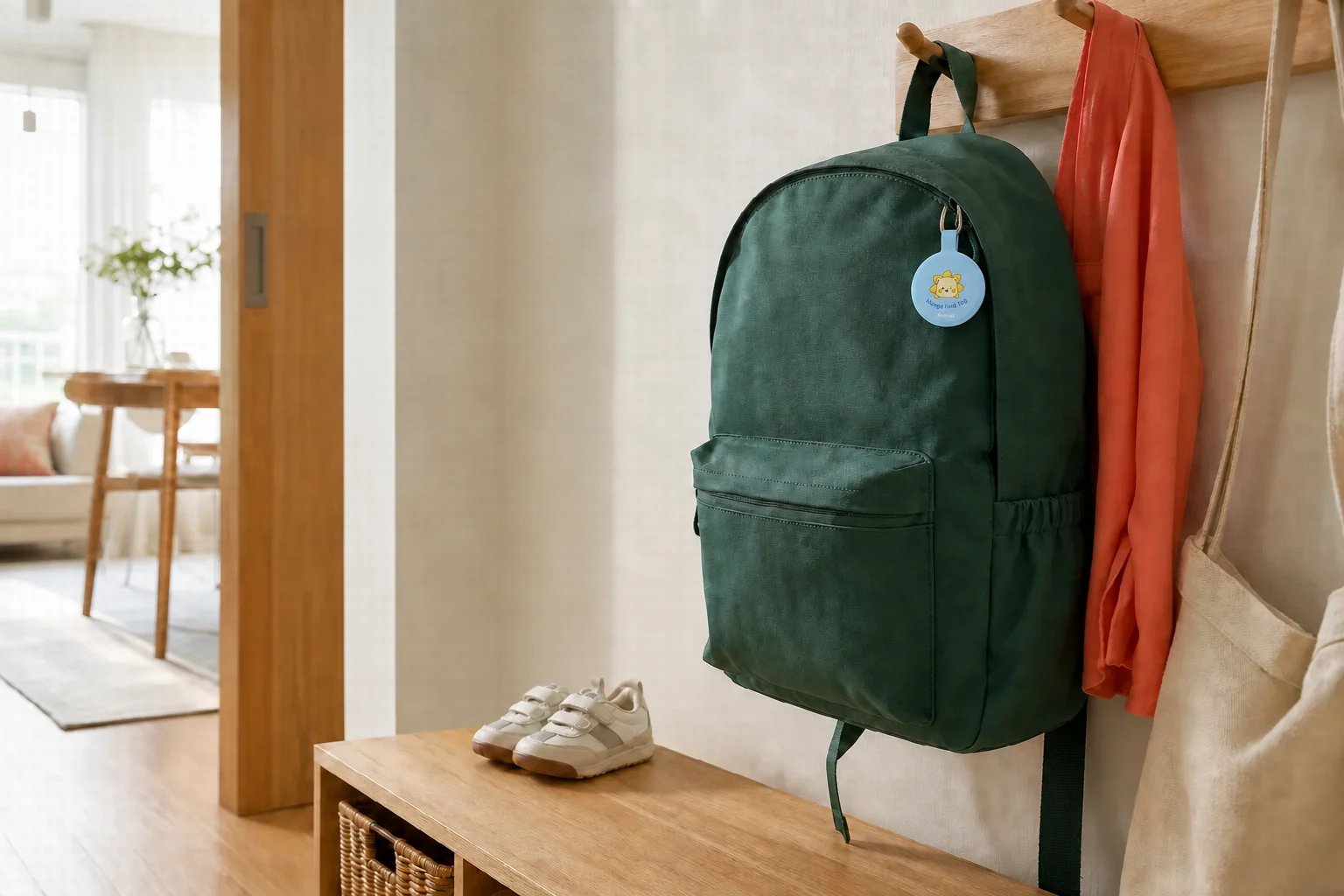
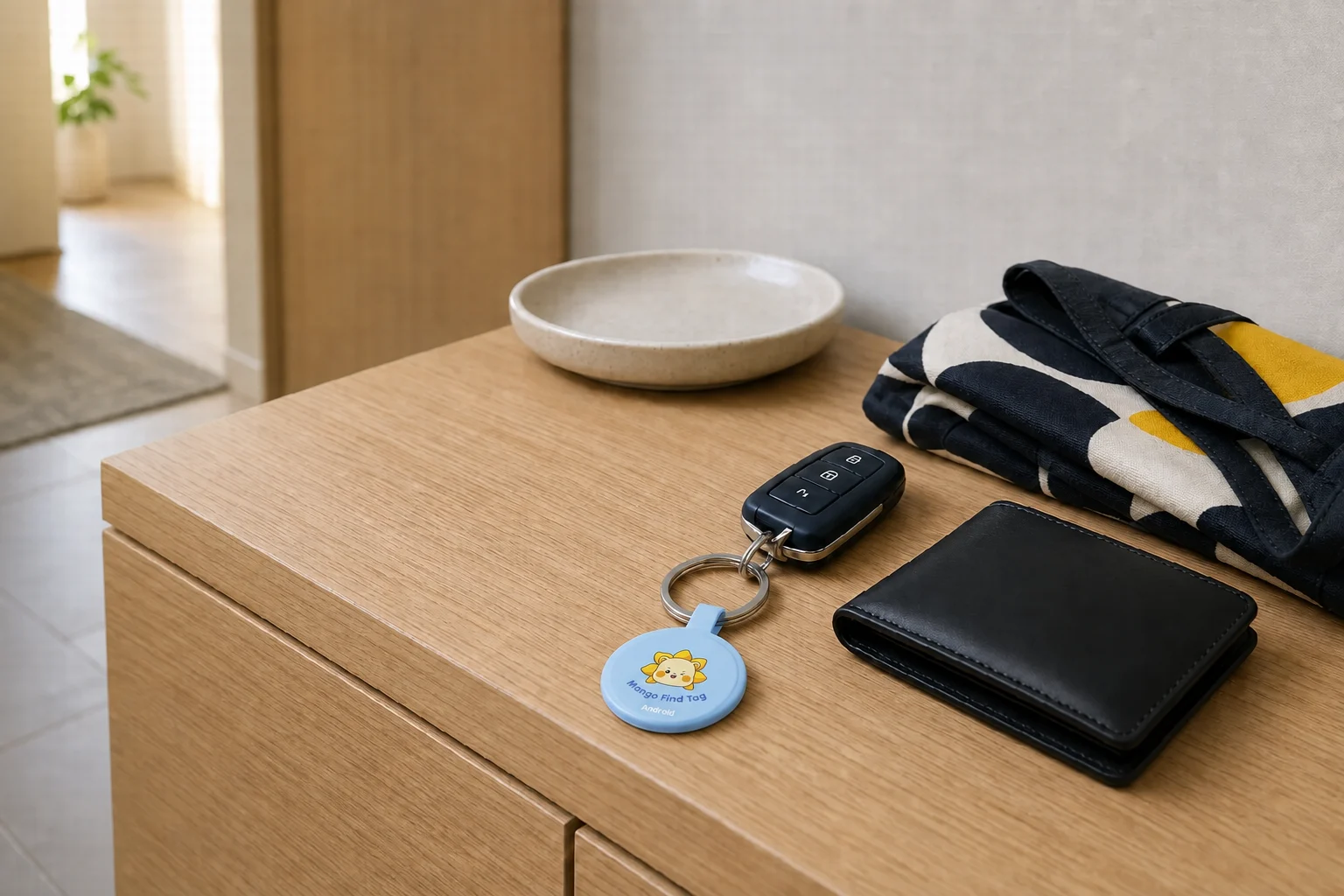
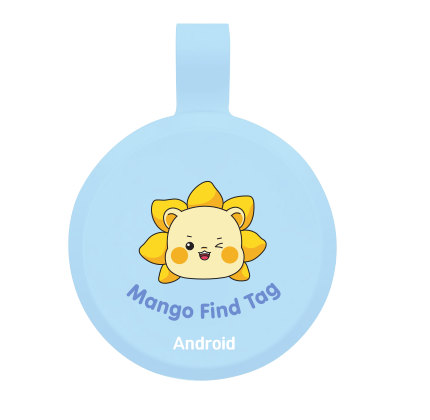
MangoLion Find Tag สีฟ้าสำหรับ Android
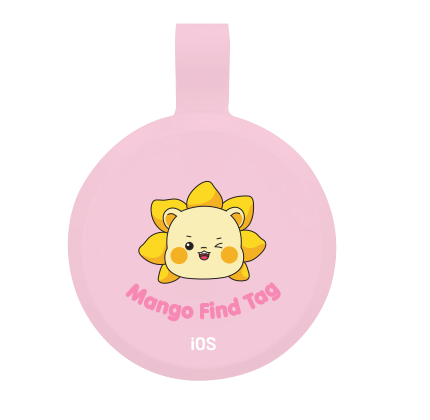
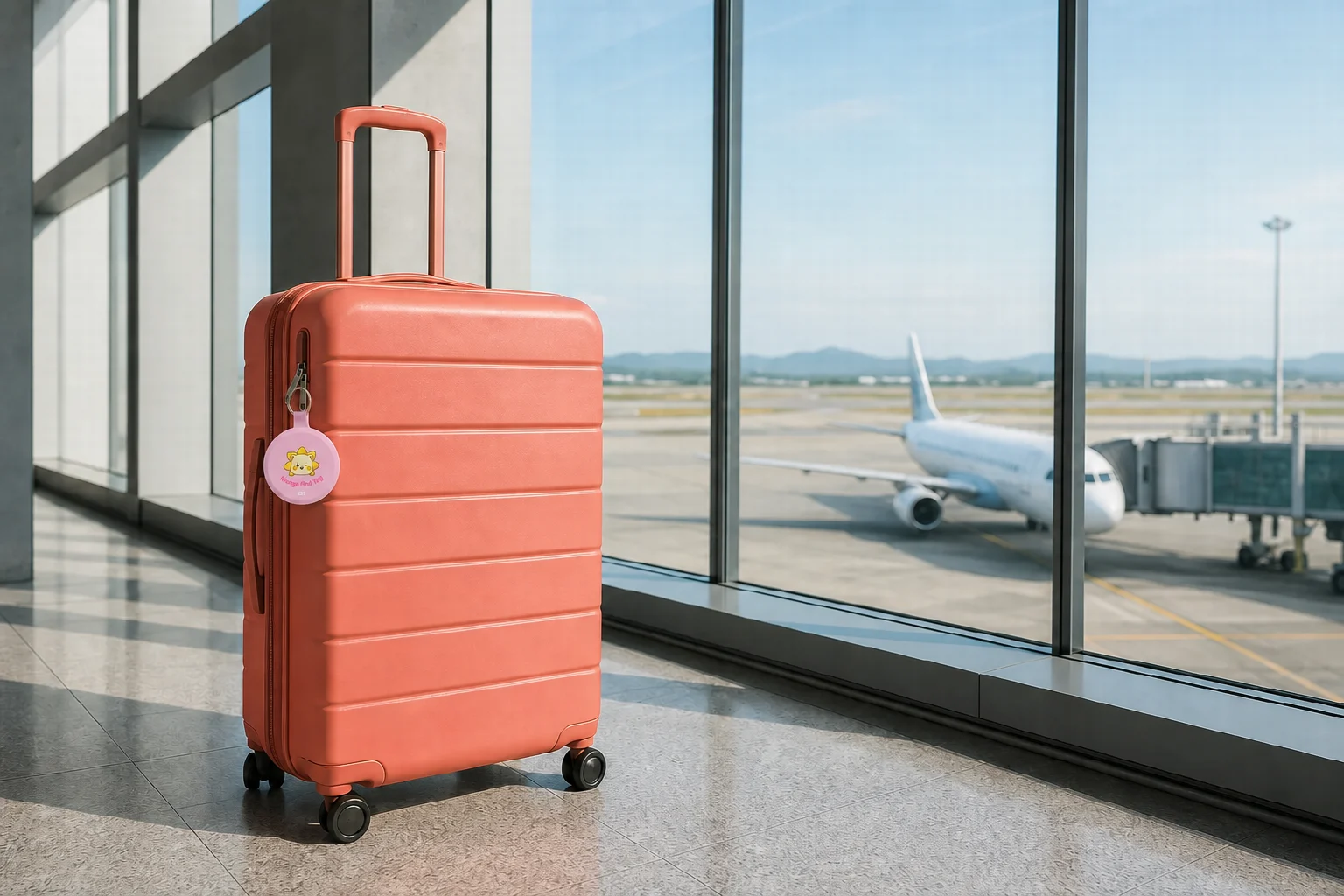
MangoLion Find Tag สีชมพูสำหรับ iOS
สำหรับ ANDROID สำหรับ iOS

ใช้ Find Tag ระหว่างตามหา
หากมีคนพบก่อน ให้ QR Safety ช่วยต่อ

เริ่มเรื่องราว

01 · กิจวัตรเล็ก ๆ ในทุกวัน

เดินทางปลอดภัยนะ
การเตรียมพร้อมเล็ก ๆ หลังถ้อยคำสั้น ๆ นั้น

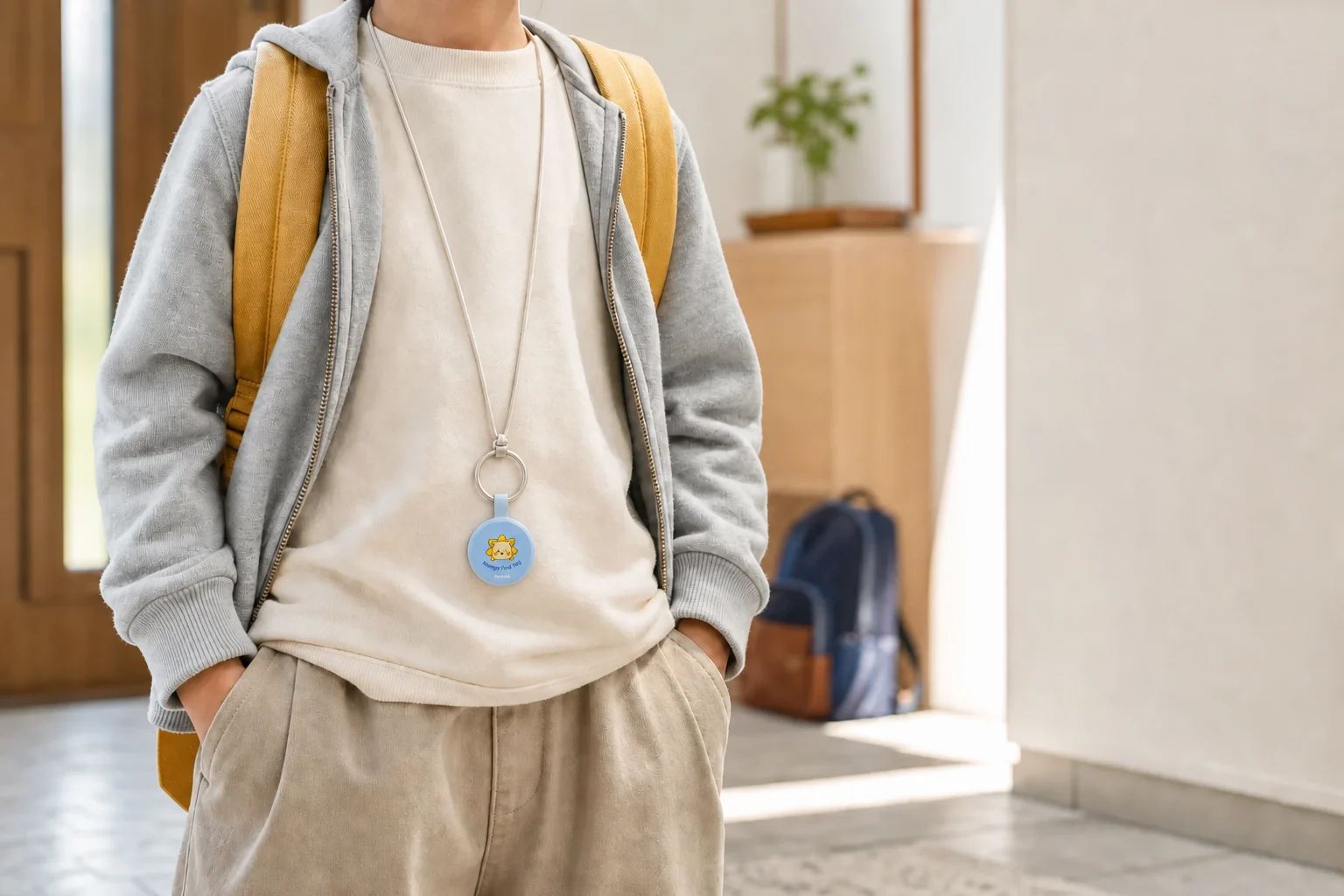
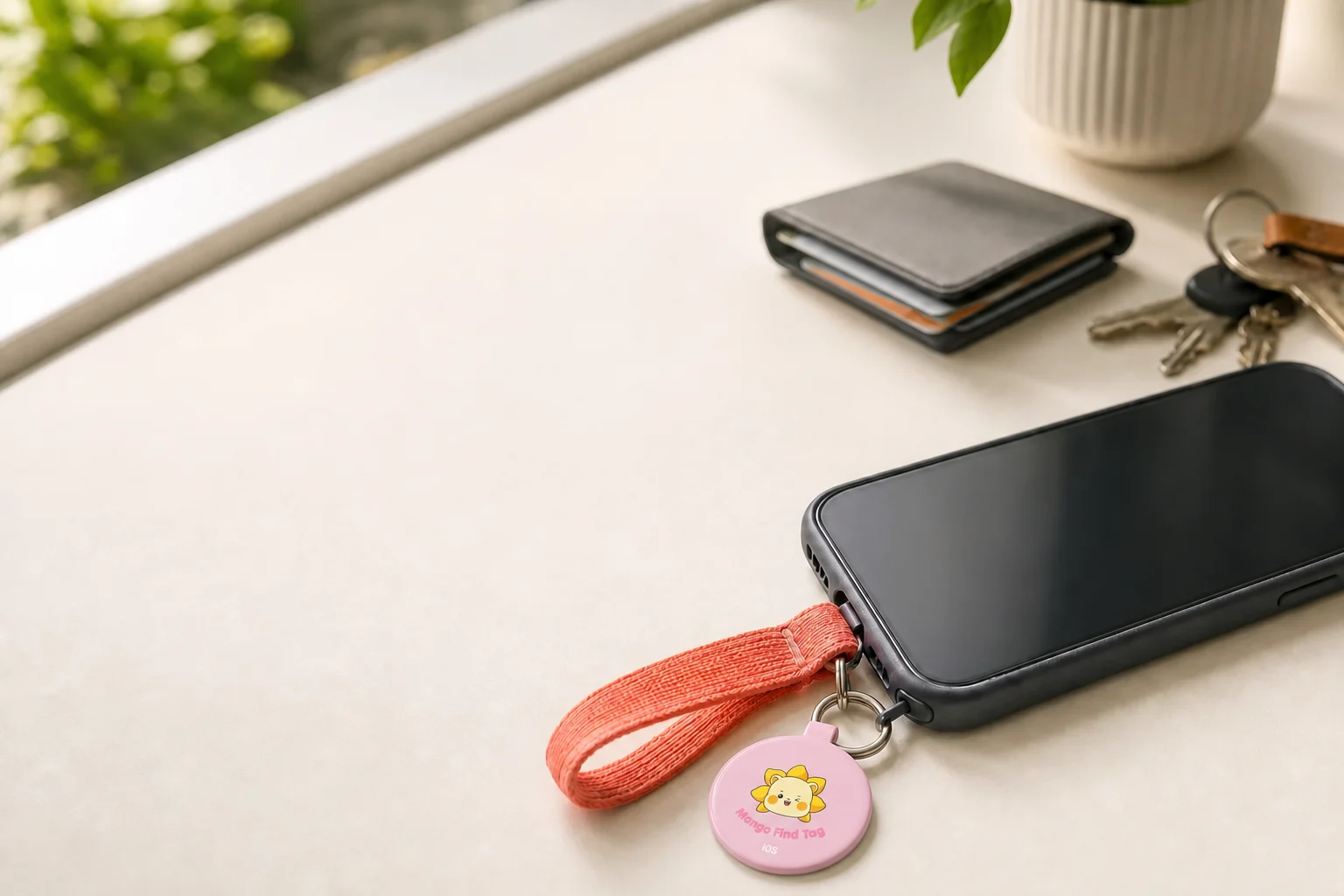
คล้องคอเบา ๆ ห้อยกับสมาร์ตโฟนเหมือนพวงกุญแจ หรือพกไปพร้อมของที่หยิบใช้บ่อย เพราะแต่ละคนเลือกเตรียมความอุ่นใจให้เข้ากับชีวิตประจำวันของตนได้

หน้าประตูบ้าน วันใหม่ของจุนฮยอกเริ่มต้นขึ้น

ค้นหาตำแหน่งที่เหมาะกับคุณ

ค้นหาตำแหน่งที่เหมาะกับชีวิตประจำวันของคุณ

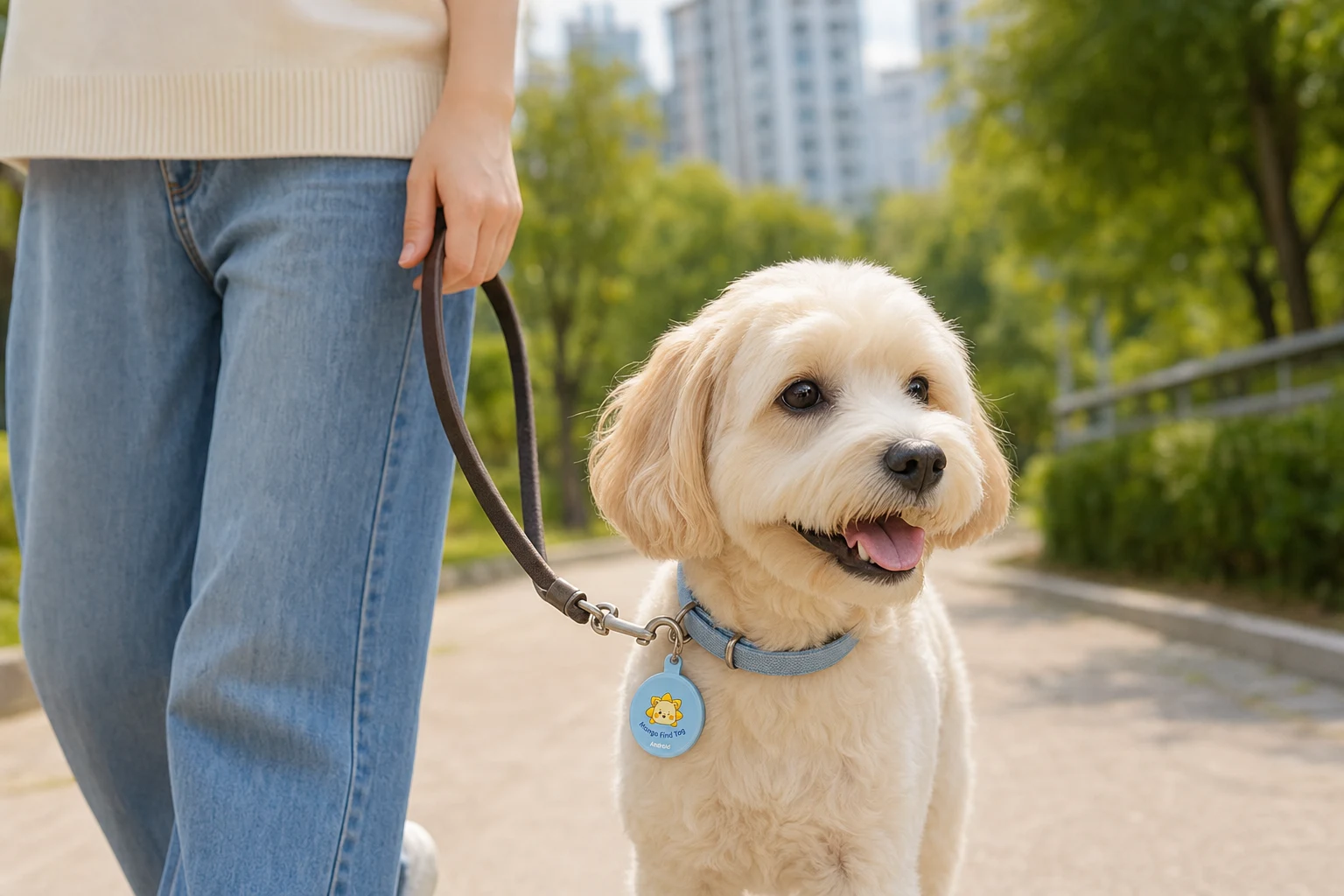
ปลอกคอ · สายรัดอกสุนัขคุณตรวจสอบตำแหน่งล่าสุดก่อน และเมื่อมีผู้พบก็แจ้งถึงผู้ดูแลได้ทันทีผ่าน QR

จักรยาน · อุปกรณ์เดินทางตรวจสอบตำแหน่งล่าสุดที่บันทึกไว้พร้อมรูปภาพจากจุดที่พบ

เครื่องดนตรี · กระเป๋ากล้องเตรียมพร้อมทั้งระหว่างตามหาอุปกรณ์ชิ้นโปรดและหลังจากมีคนพบ

การระบุตำแหน่งของ Find Tag ขึ้นอยู่กับเครือข่ายโดยรอบและสภาพแวดล้อม ไม่ใช่ GPS ที่รับประกันตำแหน่งแบบเรียลไทม์ของคนหรือสัตว์เลี้ยง

ภาพการใช้งานในชีวิตประจำวันเป็นภาพจัดฉากเพื่อช่วยให้เข้าใจลักษณะการใช้ผลิตภัณฑ์

02 · ลองค้นหาด้วยตัวเองก่อน

ในทุกวัน
เริ่มค้นหาด้วยตัวเองก่อน

เลือกผลิตภัณฑ์ให้ตรงกับเครือข่ายค้นหาของสมาร์ตโฟนที่คุณใช้

01 / 02

พร้อมกับ Android

ผลิตภัณฑ์สำหรับ Android

ตรวจสอบตำแหน่งล่าสุดจากแอปค้นหาที่คุ้นเคย โปรดตรวจสอบเงื่อนไขการรองรับบนบรรจุภัณฑ์และหน้าจำหน่ายก่อนซื้อ ซื้อผลิตภัณฑ์
MangoLion Find Tag สีฟ้าสำหรับ Android

03 · 09:31 · ช่วงเวลาที่สัญญาณตำแหน่งหยุดลง

ทั้งที่น่าจะอยู่ใกล้ ๆ แล้ว
ช่วงเวลาที่ตำแหน่งหยุดอัปเดต

ในอาคารหรือชั้นใต้ดินที่ตำแหน่งอัปเดตช้า อาจเหลือเพียงจุดตำแหน่งล่าสุดเท่านั้น
ในตอนนั้นเอง มีคนพบ QR บนแท็ก

ตำแหน่งล่าสุดที่บันทึกไว้ตำแหน่งล่าสุดที่บันทึกไว้09:31
พบแล้วมีคนพบแล้ว09:42
09:42 · มีคนสแกน QR
09:42•••
Mango QR SafetyQR เพื่อความอุ่นใจ
เชื่อมต่อกับผู้ดูแล

กระเป๋าของจุนฮยอก

ดูเฉพาะข้อมูลเพื่อความปลอดภัยที่เปิดเผย และเชื่อมต่อกับผู้ดูแลได้ทันที

เชื่อมต่อกับผู้ดูแล

เมื่อส่งการแจ้งเตือนแล้ว โปรดรอที่หน้านี้จนกว่าผู้ดูแลจะตรวจสอบ

04 · 09:42 · ช่วงเวลาที่มีคนพบ

“ฉันพบกระเป๋า”
ข่าวสั้น ๆ จากคนที่ไม่รู้จัก

สแกนได้โดยไม่ต้องสมัครสมาชิกแจ้งเตือนโดยไม่ใช้หมายเลขโทรศัพท์แชร์ตำแหน่งหลังให้ความยินยอม

เชื่อมต่อกับผู้ดูแลโดยไม่เปิดเผยข้อมูลติดต่อก่อนQR ใช้ Random ID และหน้าจอผู้พบจะแสดงเฉพาะข้อมูลเพื่อความปลอดภัยที่ผู้ดูแลเลือกเปิดเผย

01

ผู้พบสแกน Safety QR

ผู้พบเปิดหน้าจอเชื่อมต่อกับผู้ดูแลได้โดยไม่ต้องติดตั้งแอปหรือสมัครสมาชิก

02

ผู้พบแจ้งให้ผู้ดูแลทราบ

ผู้พบส่งการแจ้งเตือนไปยังผู้ดูแลที่ลงทะเบียนไว้ได้ แม้ไม่ทราบหมายเลขโทรศัพท์

03

ผู้พบเลือกแชร์ตำแหน่ง

หากผู้พบยินยอม สามารถแนบตำแหน่งปัจจุบันไปกับการแจ้งเตือนการพบได้

04

ผู้ดูแลเปิดห้องสนทนา

ผู้ดูแลตรวจสอบสถานการณ์การเก็บและข้อมูลที่จำเป็นได้โดยไม่ต้องแลกเปลี่ยนข้อมูลติดต่อ

05 · 09:43 · ช่วงเวลาที่ผู้ดูแลตอบกลับ

จากช่วงเวลาที่ไม่รู้จะทำอย่างไร
การสนทนาเริ่มต้นขึ้น

ผู้ดูแลและผู้พบพูดคุยเฉพาะเรื่องจำเป็นในห้องสนทนาเดียวกัน ช่วยกันยืนยันอย่างใจเย็นว่าสิ่งของอยู่ที่ไหนและต้องตรวจสอบอะไร

การแจ้งเตือนล่าสุดQR 1 รายการ
ตรวจสอบการแจ้งเตือนจากผู้พบแล้วเปิดห้องสนทนา

กระเป๋าของจุนฮยอก

แจ้งเตือน 1 ครั้ง

ไม่ระบุตำแหน่ง

เมื่อเปิดโหมดเตรียมพร้อมฉุกเฉิน คุณจะตรวจพบการแจ้งเตือนใหม่ได้เร็วขึ้นจากหน้าจอ PWA

B กระเป๋าของจุนฮยอก
•••

วันนี้ 09:43

ผู้พบ

ฉันพบกระเป๋าและกำลังเก็บไว้ข้างเคาน์เตอร์ประชาสัมพันธ์

ผู้พบส่งตำแหน่งแล้วเขตมาโพ กรุงโซล · ตำแหน่งปัจจุบัน
ผู้ดูแล

ขอบคุณครับ/ค่ะ ช่วยส่งตำแหน่งปัจจุบันและรูปภาพได้ไหมครับ/คะ

รูปภาพ0:08
ข้อความ (ผู้พบ)

การดำเนินการเพิ่มเติมของผู้ดูแล

  • ขอตำแหน่งปัจจุบัน
  • ขอรูปภาพ
  • ขอสนทนาด้วยเสียง
  • !ขอโทรฉุกเฉิน

06 · 09:58 · ตรวจสอบสถานการณ์เรียบร้อย

ก่อนออกไปตามหา
แล้วคุณจะรู้ว่าควรทำอะไร

เมื่อดูตำแหน่ง รูปภาพ ข้อความ และเสียงในที่เดียว ผู้ดูแลสามารถรับคำแนะนำเรื่องสถานที่เก็บหรือขอความช่วยเหลือที่จำเป็นได้

เหตุผลที่เชื่อมต่อกันได้อย่างปลอดภัย
ตรวจสอบสถานการณ์เรียบร้อยตอนนี้คุณมองเห็นสิ่งที่ควรทำต่อไป

เลือกการตอบสนองให้เหมาะกับสถานการณ์ เช่น ตรวจสอบสถานที่เก็บหรือติดต่อฉุกเฉิน โดยอาศัยข้อมูลที่แชร์

  1. 01ตำแหน่งล่าสุด
  2. 02ข่าวการพบ
  3. 03ห้องสนทนา
  4. 04สิ่งที่ควรทำต่อไป

07 · ค่าเริ่มต้นคือไม่เปิดเผย

ความช่วยเหลือดำเนินต่อไป
โดยไม่เผยข้อมูลติดต่อ

QR มีเพียง Random ID ที่ไม่ระบุตัวบุคคล ไม่มีชื่อหรือหมายเลขโทรศัพท์ ส่วนข้อมูลที่จำเป็น ผู้ดูแลเป็นผู้กำหนดขอบเขตการเปิดเผย

ข้อมูล QRมีเพียง ID แบบสุ่มความปลอดภัย
หมายเลขโทรศัพท์ไม่เปิดเผยเป็นค่าเริ่มต้นไม่เปิดเผย
ตำแหน่งของผู้พบแชร์หลังให้ความยินยอมยินยอม

08 · แผนบริการ

เท่าที่จำเป็นต่อความอุ่นใจ
เลือกวิธีเชื่อมต่อ

ตั้งแต่การส่งข้อความสั้น ๆ ในชีวิตประจำวันไปจนถึงช่วงเวลาที่ต้องยืนยันด้วยเสียงทันที คุณเลือกใช้เฉพาะวิธีที่เหมาะกับสถานการณ์ได้

01
BASIC

Safety Basic

แนะนำ · ค่อย ๆ ตรวจสอบผ่านข้อความ รูปภาพ และตำแหน่งรวมวิธีตรวจสอบที่ใช้บ่อยที่สุดในชีวิตประจำวัน

  • สนทนาด้วยข้อความ
  • รูปภาพ
  • การ์ดตำแหน่ง
  • ขอโทรฉุกเฉิน
02
PLUS

Safety Plus

แนะนำ · สถานการณ์ที่อธิบายด้วยเสียงได้เร็วกว่าถ่ายทอดสถานการณ์หน้างานได้ชัดเจนขึ้นด้วยข้อความเสียงสั้น ๆ

  • สนทนาด้วยข้อความ
  • รูปภาพ
  • การ์ดตำแหน่ง
  • ข้อความเสียง
  • ขอโทรฉุกเฉิน
03
PREMIUM

Safety Premium

แนะนำ · สนทนาได้ทันทีโดยไม่ใช้หมายเลขโทรศัพท์พูดคุยด้วยเสียงเพื่อตรวจสอบสถานการณ์โดยไม่เปิดเผยข้อมูลติดต่อ

  • สนทนาด้วยข้อความ
  • รูปภาพ
  • การ์ดตำแหน่ง
  • ข้อความเสียง
  • สนทนาด้วยเสียงโดยไม่เปิดเผยหมายเลข
  • ขอโทรฉุกเฉิน

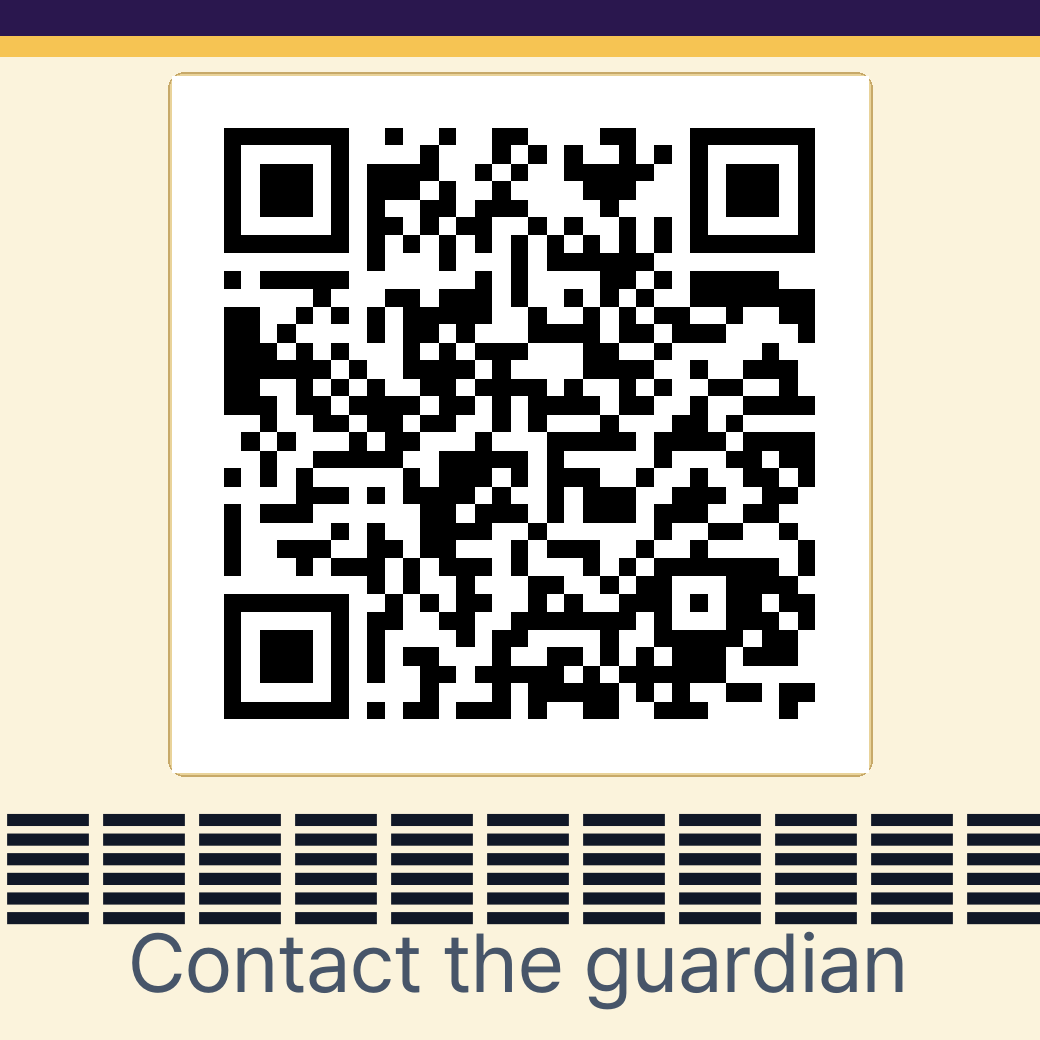
QR นี้เป็นเดโมหน้าจอผู้พบซึ่งสร้างด้วยดีไซน์ของแต่ละแผนเช่นเดียวกับระบบจริง ไม่ใช่รหัสที่ออกให้ผลิตภัณฑ์ใดโดยเฉพาะ โปรดตรวจสอบขอบเขตบริการและแผนที่ใช้ก่อนซื้อ

BASIC หน้าจอผู้พบ Safety Basic

MANGOLION GUIDE · 01

คำแนะนำการลงทะเบียนสมาร์ทแท็ก · QR

เลือกผลิตภัณฑ์ที่ต้องการลงทะเบียน เลือกผลิตภัณฑ์เพื่อดูขั้นตอนการลงทะเบียนแบบภาพเคลื่อนไหว

PRODUCT FAQ

From before purchase to everyday use,
find the answers in one place.

Clear answers about Find Tag location updates, QR registration, guardian alerts, and choosing a QR Safety plan.

FIND TAG

Check the last reported location

Guardians use Google Find Hub or Apple Find My to review a location reported through the surrounding device network.

QR SAFETY

Connect finders and guardians safely

A finder scans the QR to send an alert and shares a location or photo only when they choose to do so.

QR Safety plans at a glance

Safety BasicChat · photos · location · emergency call request
Safety PlusBasic features + voice messages
Safety PremiumPlus features + private-number voice calls

FIND TAG · 10 QUESTIONS

Find Tag FAQ

Compatibility, location updates, reconnection, and battery information.
01 What is Find Tag?

MangoLion Find Tag is a loss-prevention tag attached to an item so you can review its last reported location through the surrounding device network.

02 Can I buy the iPhone version now?

Not yet. The first release is the Android version using Google Find Hub. The iOS version using Apple Find My is planned for the first half of 2027.

03 Can I use it on a device without Google Play?

App installation or some features may be limited on devices that do not support Google Play and the related Google services.

04 Is it real-time GPS?

No. It is not a dedicated GPS tracker that continuously shows a person’s or pet’s current location. Timing and accuracy vary with the surrounding network and environment.

05 How is the location determined?

Location support is based on Bluetooth and the Android device network. It is not real-time GPS, so update times vary with the surroundings and network conditions.

06 Can I find it when it is far away from my phone?

Yes. A nearby Android device may detect the Find Tag and update its location. The update may be delayed when no compatible device is nearby or network conditions are poor.

07 The alert sound does not play. What should I do?

Check the battery first. The tag may be turned off, so press and hold the power button for at least three seconds, then try again.

08 How do I connect it to another Android phone?

Remove the device from the existing account and reset it. After the reset, connect it again from the new Android phone.

09 Is location information protected?

Location information is handled according to the user’s account and app settings. It is not shared with other people unless the user explicitly enables sharing.

10 How long does the battery last?

Battery life depends on the environment, alert-sound frequency, and connection conditions. A low battery may reduce sound volume or make the connection unstable.

QR SAFETY · 10 QUESTIONS

QR Safety FAQ

QR registration, alerts, personal information, and plan usage.
01 What is QR Safety?

QR Safety lets a finder scan the QR attached to an item, alert its guardian without installing an app, and optionally share the situation through a location, photo, or message.

02 Are there separate QR stickers for Android and iOS?

No. QR stickers work with both Android and iOS. Guardians can receive finder alerts by adding Mango QR Safety to their phone’s home screen and allowing notifications.

03 How do I choose a QR Safety plan?

Purchase the QR sticker assigned to the plan with the features you need. A sticker’s assigned plan cannot be changed after purchase, so review the features first.

04 How do I register a QR?

Scan the included QR, verify the phone number used for the purchase, and follow the on-screen steps to set guardian details and public safety information. A traditional ID-and-password signup is not required.

05 Does the finder need to install an app?

No. A finder can scan and use the QR with a smartphone without installing an app or creating an account.

06 Does scanning the QR alert the guardian immediately?

No. The alert is sent only after the finder taps the button to notify the guardian on the QR screen.

07 Can the finder see the guardian’s phone number?

It is hidden by default. The QR contains no personal information such as a name or phone number. Only information the guardian chooses to make public appears on the finder screen.

08 Is the finder’s location sent automatically?

No. It is sent only when the finder chooses to include the current location and grants location permission. The finder can still alert the guardian without sharing a location.

09 Where does the guardian see alerts?

Add Mango QR Safety to the phone’s home screen and allow notifications to receive finder alerts. Missed alerts remain available in the recent alerts area of guardian management.

10 I lost or damaged the QR sticker.

An unregistered QR is not automatically reissued when lost. For a damaged registered QR, contact support after ownership verification to check whether the existing QR can be reused.

NEED MORE HELP?Couldn’t find the answer you need?

Our support team can help with product registration, QR reuse, and other cases that require an additional check.

031-8071-8071

09 · ข้อมูลความน่าเชื่อถือของผลิตภัณฑ์

เล็กพอให้ห้อยติดตัวทุกวัน
พร้อมหลักเกณฑ์ที่ชัดเจน

ชื่อผลิตภัณฑ์
MangoLion Find Tag
ประเภทผลิตภัณฑ์
ผลิตภัณฑ์แยกสำหรับ Android และ iOS
เงื่อนไขการรองรับ
ตรวจสอบบนบรรจุภัณฑ์และหน้าจำหน่ายผลิตภัณฑ์
ข้อมูลระบุ QR
ใช้ Random ID
ข้อมูลเพื่อความปลอดภัย
ผู้ดูแลกำหนดขอบเขตการเปิดเผยของแต่ละรายการ
บันทึกข้อมูลติดต่อ
เข้ารหัสเมื่อจัดเก็บบนเซิร์ฟเวอร์
ANDROIDผลิตภัณฑ์ MangoLion Find Tag สีฟ้าสำหรับ Android
ผลิตภัณฑ์สำหรับ Android
iOSผลิตภัณฑ์ MangoLion Find Tag สีชมพูสำหรับ iOS
ผลิตภัณฑ์สำหรับ iOS

โปรดตรวจสอบข้อมูลบนบรรจุภัณฑ์และหน้าจำหน่าย ณ เวลาซื้อเป็นหลัก สำหรับข้อกำหนดฮาร์ดแวร์ เช่น ความเข้ากันได้ของแพลตฟอร์ม การรับรอง และแบตเตอรี่

ตัวละคร MangoLion

แท็กเดียว · สองวิธีเพื่อความอุ่นใจ

ไม่ใช่แค่ช่วงเวลาที่ทำหาย
สู่ช่วงเวลาที่วางใจได้อีกครั้ง

ในเวลาปกติให้ค้นหาด้วย Find Tag และหากมีคนพบก่อน ให้รับข่าวผ่าน QR Safety
MangoLion เชื่อมสองช่วงเวลานั้นเข้าด้วยกัน

สอบถามบริการและการนำไปใช้ในองค์กร031-8071-8071

Mango QR Safety

บริการ QR สำหรับเชื่อมต่อสิ่งของที่สูญหายกับผู้ดูแล

ชื่อบริษัท
AI Friend Co., Ltd.
ฝ่ายบริการลูกค้า
031-8071-8071